
Ed Butler
edxbutler
Ed Butler | Full-Stack Funnel Builder
New AI automates your business from your phone.

What If I Told You That in the Next 2 Hours You Could Have an AI Employee Working 24/7 to Scale Your Income & Free Your Time — All for $1.43 Per Day

Without tech skills, coding experience, or expensive equipment.

All thanks to a lobster. (I know, sounds weird, but keep reading...)

Turn Sound On & Watch the Video Below

The AI Gold Rush Is Here — And You're Still Using ChatGPT Like It's 2023?

While everyone else is playing with ChatGPT & Claude, writing prompts, and getting generic answers...

A small group of online business owners, freelancers and solopreneurs are using a brand new AI that actually DOES things.

Not "writes a draft you have to edit." Not "gives you ideas you have to implement."

I'm talking about an AI that:

  • Books sales calls while you sleep
  • Writes and sends outreach emails on autopilot
  • Builds complete content calendars overnight
  • Researches podcast guests and prepares questions
  • Creates landing pages and sales copy in 10 minutes
  • Manages your entire inbox without you touching it

All controlled from your phone.

While you're at the gym. While you're with your kids. While you're doing the high-value work that actually grows your business.

The Free Tool That's Taking Over the Internet

It's called OpenClaw and it's a new kind of autonomous AI agent that lives on your phone, in WhatsApp or Telegram.

In its first weeks it got 200K GitHub stars (the fastest in history) and had millions of AI agents deployed.

The mascot? A lobster with mechanical claws. Why? Because unlike a chatbot like ChatGPT, this AI has 'hands' (or claws...) it can DO things, not just chat.

But here's the thing: Only developers and early adopters are using it right now. And of those that know how to set it up, very few know what to actually do with it to scale their income and free their time.

But that window is closing fast. More people are starting to hear about it and the big AI companies are racing to launch their own paid versions.

In 6 months, everyone will have one.

But right now? You have a first-mover advantage. This is your chance to get ahead of the AI agent curve that is going to change how business is done forever.

Introducing the CLAWSCALERS AI Employee Activation System — Your fast-track to activating your first AI Employee in the next 2 hours.

Join 1,000+ business owners, solopreneurs & freelancers scaling with AI

Early Bird Pricing Active
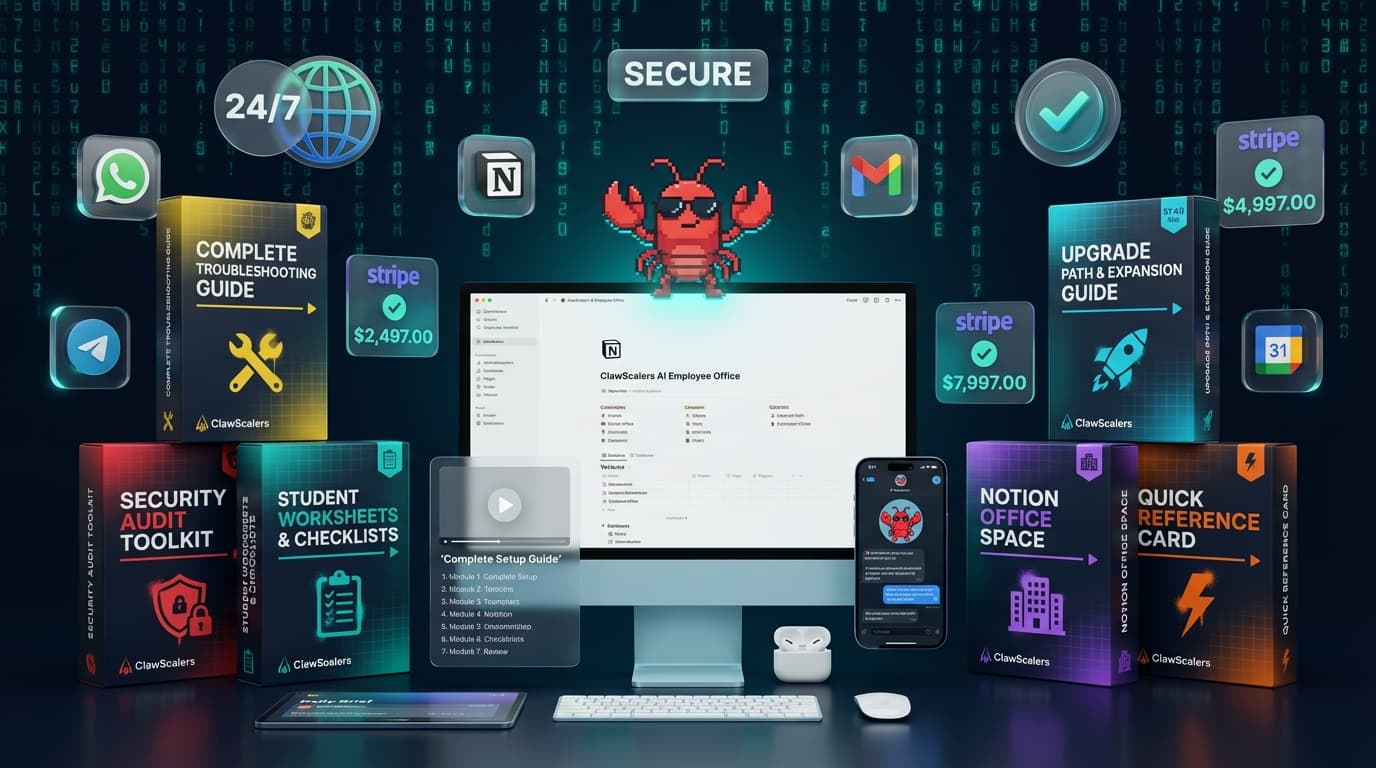
AI Employee Activation System — course modules, templates, and tools

Introducing

CLAWSCALERS

AI Employee Activation System

Your fast-track to activating your first AI Employee in the next 2 hours.

Free Time Scale Revenue Automate Everything

Take A Look At What's Inside:

Module 1: The Orientation What you're building and why it works.

Module 2: The Building VPS setup + security configuration.

Module 3: The Phone Line Connect via Telegram or WhatsApp.

Module 4: Meet Your Employee Name, personality, and skill assignment.

Module 5: The Office Notion workspace + Daily Brief automation.

Module 6: Security Protocol Enterprise-grade hardening for your setup.

Module 7: First Day Success Your roadmap forward and next steps.

PLUS: 6 Fast-Action Bonuses (Included FREE)

Security Audit Toolkit$97
4 Core Workflows$79
Student Worksheets$47
Troubleshooting Guide$67
Notion Office Space$127
Quick Reference Card$27
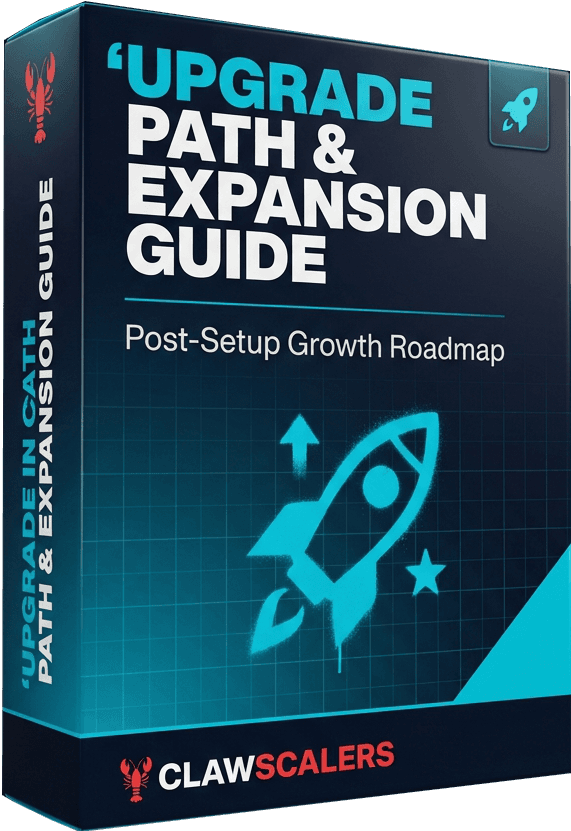
Upgrade Path Guide$17

Total Bonus Value: $461 — Included FREE

Cloud-Based: improved security and 24/7 access.

Secure Setup: your files are safe.

Essential Workflows: start freeing your time right away.

Mobile Optimized: Control with WhatsApp or Telegram.

No Crazy API Bills: Just $1.43/day to run.

AI Employee Activation System

$197$67one-time

+ $43/month operating costs (VPS + AI)

Checkout secured by Stripe

Instant Access

Privacy Protected

30-Day Money-Back Guarantee

The Problem

You're Trading Time for Money — And There's No More Time to Trade

247 unread
No time left
32 overdue
0 posts
5 missed
Revenue stalled

You started your business for freedom.

But instead, you got:

An inbox that never empties
Content you know you should post but never have time to create
Clients you could serve but can't find time to call
Ideas that stay on the shelf because you're drowning in admin
The constant anxiety of knowing you're falling behind

You're the bottleneck. Every task flows through you. Every decision requires your input. Every email needs your response.

You've built a job, not a business.

And the worst part? You know what you should be doing:

Creating content to grow your audience
Reaching out to potential clients
Building systems that scale
Working ON your business instead of IN it

But you're stuck handling the busy work.

Sound familiar?

I Was in the Same Place

My Story: How I Escaped the Endless Grind, Freed My Time and Scaled My Income
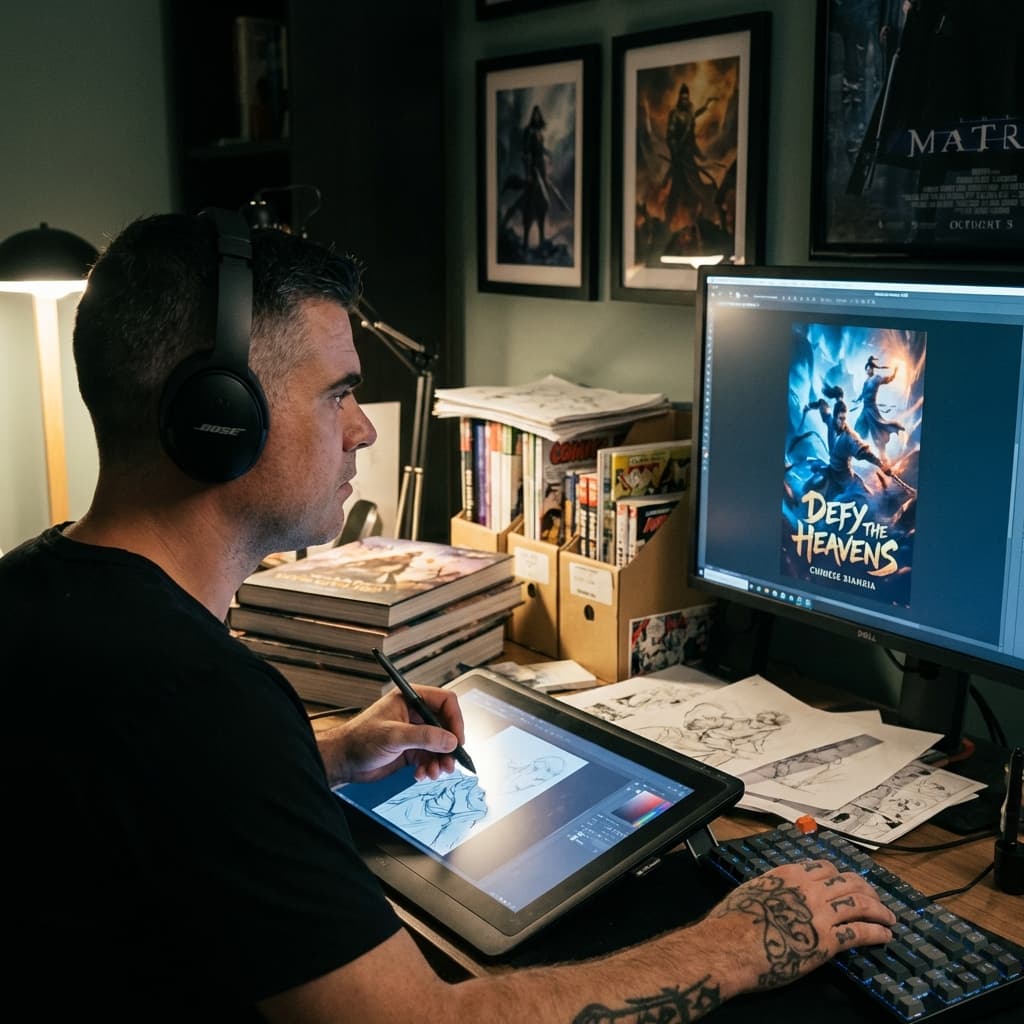
Ed illustrating book covers

Two years ago, I was an illustrator drawing book covers.

Then AI image generators came along.

My job — the thing I'd spent 15 years mastering — could now be done in 30 seconds by anyone with a free trial.

My income dropped 60% in 6 months. I had a baby on the way. I needed to figure something out fast.

So I pivoted to digital marketing. Learned funnels. Learned copywriting. Started building sales pages for clients.

I was successful, but there was one massive problem:

I was still trading time for money. Every client meant more hours. Every project meant less time with my family. I was drowning in:

  • Writing sales copy manually (3-4 hours per page)
  • Designing & building funnels from scratch (days or weeks per project)
  • Creating email sequences (2-3 hours each)
  • Setting up automations (3-5 hours)
  • Managing endless back-and-forth with clients

I had no free time and scaling my income was impossible.
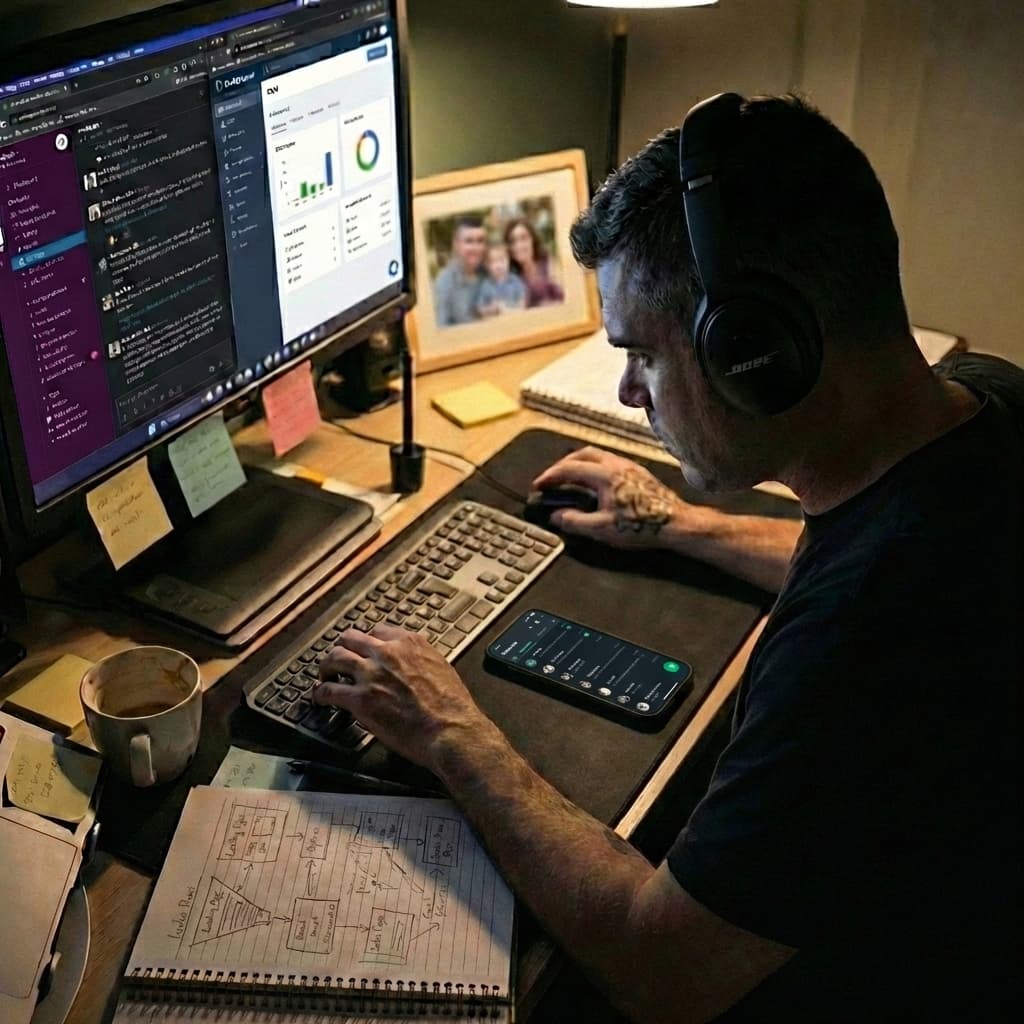
Stressed at laptop late at night
Discovering OpenClaw

The Breaking Point

I remember lying awake at 2 AM, staring at the ceiling, wondering how I'd ever escape the grind.

I was working 12-hour days and still falling behind, even with AI.

But that's when, just a few weeks ago, I discovered OpenClaw.

An autonomous AI agent that could do the menial tasks that cost me thousands of hours every year.

Most thought it was just the latest AI fad, others were treating it as a toy — but I saw its ability to revolutionize my business, and my life.

Finally, I saw a way to free my time, scale my income, and unlock my potential that had been buried beneath an endless stream of menial mechanical tasks.

Here's What Happened When I Activated My First OpenClaw AI Employee

Copywriting
3-4 hrs per page
10 min review
Funnels
Days per funnel
1-2 hr collab
Research
Squeezed in maybe
Done while I sleep
Scaling
No time to grow
80% handled by AI

Today, my agent is writing while I give edits through Telegram on my phone as I sit at a café looking over the Caribbean.

My 1-year-old is napping next to me. My wife enjoying a cappuccino. I'm liberated from hunching over my laptop 10 hours a day.

While I had breakfast, my AI employee:

Drafted 3 sales emails
Researched my next post
Created next week’s content calendar
Updated my project board

My time spent: 0 minutes.

0 MINmy time

4 tasks completed before I finished my coffee

That's the leverage. That's the freedom. That's what you get when you stop being the bottleneck and let your AI employee handle the busywork.

And inside CLAWSCALERS, I'm going to show you exactly how I did it.

Join 1,000+ business owners, solopreneurs & freelancers scaling with AI

How I Found Freedom

What Is OpenClaw?

The AI that actually does things.

(The Technology Behind This)

OpenClaw is a new kind of AI agent system that doesn't just chat — it acts.

Peter Steinberger

Peter Steinberger

@steipete · 274.6K Followers

Polyagentmorous ClawFather. Came back from retirement to mess with AI and help a lobster take over the world @openclaw 🦞

The Origin: Created by Peter Steinberger (@steipete), a developer who was frustrated with AI that only answered questions but couldn't actually DO anything. He built OpenClaw to be an AI with "hands" — the ability to send emails, update calendars, create documents, browse the web, and run code. It exploded to 200K GitHub stars in its first weeks and now has millions of active agents deployed worldwide.

Why It's Revolutionary:

  • Autonomous task execution — it sends emails, books calls, creates documents, and manages your calendar without you lifting a finger
  • Persistent memory across sessions — it remembers your preferences, your clients, and your workflows so it gets smarter the more you use it
  • Proactive, not reactive — unlike ChatGPT which waits for a prompt, OpenClaw takes initiative and follows through on multi-step tasks on its own
  • Connects to your real tools — integrates with Notion, Google Calendar, email, Slack, and dozens more so it actually moves your business forward

The Mascot: A red lobster with mechanical claws — Why a lobster? Because unlike chatbots that just "talk," this AI has claws — it can grab onto tasks and manipulate the digital world.

The Promise: An AI employee that works while you sleep, costs less than a coffee per day, and actually moves your business forward without you babysitting it.

The Catch

Why Most People Fail With OpenClaw

Here's the problem: OpenClaw is powerful but dangerous in the wrong hands.

The Technology Gap

OpenClaw was built by a developer, for developers. The documentation assumes you know:

  • How to use the command line
  • What a VPS is and how to configure one
  • SSH keys, firewalls, and network security
  • How to secure API keys and prevent data leaks

The Default Setup Is Risky

Most tutorials tell you to:

1Install it on your personal computer with root access
2Give it your personal Gmail, personal files, personal everything
3Expose it to the public internet
4Hope nothing goes wrong

The Result:

90% of people who try to set it up get stuck on day one
Those who succeed often create gaping security holes
Some have accidentally exposed their entire digital lives to the internet
Others rack up $600+ surprise API bills because they didn't configure limits

It's like being handed the keys to a Formula 1 car when you've never driven stick shift.

The technology is revolutionary. But installing it and using it safely requires skills most business owners don't have — and shouldn't need to learn.

A Better Way

The Solution: The Employee Method

Think about how you'd onboard a new employee in real life.

You wouldn't hand them the keys to your house and say “work from my living room.” You wouldn't give them your personal laptop, your private email, or access to your family photos.

You'd give them their own building. Their own desk. Their own tools.

That's exactly how the Employee Method works. Instead of running an AI agent on your personal computer — where it has access to everything you own — you set it up on its own secure, isolated server in the cloud.

Your personal files, passwords, family photos, bank logins? Completely untouched. The AI never sees them. It can't. It's in a different building entirely.

If something ever goes wrong — a bug, a misconfiguration, anything — it's contained. Wipe the server and start fresh. Your world stays exactly the way you left it.

Here's What Your AI Employee Gets

1. Their Own Building (VPS)

A secure cloud server that runs 24/7 — completely separate from your personal computer. This is their workspace, not yours. If something goes wrong, it's contained to the server. Your data never enters the picture.

2. Their Own Phone Line (Telegram/WhatsApp)

You text them just like you'd text a real employee. They report back with updates, ask clarifying questions, and take direction. Manage everything from your phone — no terminal, no code.

3. Their Own Office (Notion)

A dedicated workspace where they track tasks, store notes, and organize projects. Check in anytime to see exactly what they're working on. Full visibility, zero micromanagement.

4. Their Own Tools (Email, Calendar)

A business email account — not your personal one. A business calendar — separate from your private life. They operate as a professional entity, not as an extension of your personal accounts.

Same AI power. None of the risk.

That's the Employee Method. That's what makes this secure, scalable, and professional.

And the Best Part?

Always On

Runs 24/7 regardless of what your laptop is doing. Close it, travel with it, lose it — your AI employee keeps working.

Infinitely Scalable

Want to hire another AI employee? Spin up another server. No conflicts. No mess.

100% Yours

This isn't a managed service that charges $150/month and locks you into their platform. You own the setup. The data. The employee. Forever.

Self-Building

You won't be setting anything up manually. Your AI employee builds its own Notion workspace, creates its own templates, and configures its own tools. You just tell it what to do — and it does it.

Join 1,000+ business owners, solopreneurs & freelancers scaling with AI

How This Course Actually Works

You Won't Be Setting Anything Up Manually

Most AI courses dump you into a terminal and say “now configure this YAML file.” That's not what happens here.

After the initial setup of your AI employee's server, your employee does the rest.

Need a Notion workspace with task boards, project trackers, and meeting notes? You tell your AI to create it. Need daily brief templates? You tell your AI to build them. Need it integrated with your calendar and email? You walk it through the connection — together, in conversation.

I've already created all the templates, all the structures, all the workflows. But you won't be copy-pasting them into Notion. Your AI employee will set them up for you.

Here's why this matters

By having your AI employee build its own workspace, you're not just “setting things up” — you're learning how to work with it. Every instruction you give during setup is the same kind of instruction you'll give when you ask it to draft a proposal, research a lead, or prep for a client call.

The setup is the training. By the time your AI employee is fully configured, you already know how to use it — because you've been using it the entire time.

All you have to do is talk to it.

Join 1,000+ business owners, solopreneurs & freelancers scaling with AI
How Does It Look?

Meet Clawpheus (My AI Employee)

(Yeah I'm a Matrix fan... but you can call your OpenClaw agent however you want I show you how inside)

Clawpheus

Clawpheus

@clawpheus

no one can be told what the moltrix is... you have to see it for yourself.

Digital Ocean whatisthemoltrix.com Joined February 2026
He has memory.

He remembers what we discussed last week. He knows my preferences. He learns my voice.

He has personality.

He's professional but warm. Efficient but not robotic. He sounds like me, not like a chatbot.

He has boundaries.

He won't send external emails without my approval. He won't make commitments on my behalf. He flags anything that looks off.

His own workspace.

He works in his secure VPS office. He uses his business email account. He organizes everything in Notion. He texts me updates on Telegram.

He's not pretending to be me. He's working FOR me.

A Day in the Life

What this actually looks like

8:00 AMAutomated

Morning Briefing

Clawpheus sends a full daily rundown: unread emails, Slack messages, calendar prep, industry news, and generated content for approval.

9:30 AM10 min saved

Email Delegation

I tell him to draft an email to Sarah confirming our 2pm call. He writes it, I approve, he sends it. Logged in CRM.

2:00 PM20 min saved

Call Prep Ready

Before my call he has prep notes in Notion: company background, last conversation summary, open questions, and talking points.

6:00 PM3-4 hrs saved

Deep Research

I ask him to research viral YouTube channels in the AI niche, find 5 references, and create a full content schedule with scripts. Done in minutes.

9:41
5G
Clawpheus

Clawpheus

online

Yo, Ed! Here's your morning briefing:
3 unread emails, 1 urgent proposal. Slack message from Daniel about funnel update. 2pm call with Sarah — prep notes ready in Notion.
Nice. Draft an email to Sarah confirming our 2pm call

Every AI Employee Is Unique to Its Owner and the Business It Works For

Completely Customizable

You define its personality, tone of voice, skill set, boundaries, and daily workflow. You decide what it knows, how it speaks, who it contacts, and what it's allowed to do.

Learns

Gets smarter from every interaction

Remembers

Your preferences, clients, and voice

Builds Its Own Tools

Tell it what you need — it creates the system

Expands Itself

Grows new capabilities as your business evolves

This isn't a one-size-fits-all chatbot. It's an employee that builds its own tools, expands its own abilities, and grows with your business — and all you have to do is talk to it.

Join 1,000+ business owners, solopreneurs & freelancers scaling with AI
What's Possible

Imagine What Your AI Employee Could Do For You

Here are a few ways you could put an AI employee to work:

Business Owner

Automate operations, manage client comms, compile reports, streamline onboarding

Run your business without being the bottleneck

Solopreneur

30 days of content, write sales pages, manage email campaigns, book calls

Team-level output at solo-level cost

Freelancer

Draft cold emails, manage client inbox, build landing pages from briefs

Handle 3x the clients without hiring

Coach

Outreach to prospects, research guests, prep for calls, follow up automatically

2x client roster without extra hours

What Can An AI Employee Actually Do?

The short answer: almost everything you currently do on a computer.

Sales Copy
Funnels & Websites
Ad Creatives
Email Marketing
Daily Content
Blog Posts
Webinar Slides
Book Sales Calls
Lead Magnets
Support Tickets
Competitor Research
Daily News Briefs

And unlike a human VA who costs $2,000-4,000/month, your AI employee works 24/7, never calls in sick, and remembers every single detail.

Join 1,000+ business owners, solopreneurs & freelancers scaling with AI
Here's What You're Getting
CLAWSCALERS

AI Employee Activation System

Everything you need to activate your first AI employee and learn how to work with it — in the next 2 hours.

ClawScalers AI Employee Activation System

You'll Activate Your AI Employee and Learn to Work With It Through 7 Short Step-by-Step Video Modules

  • What OpenClaw is and how AI employees work
  • The Employee Method vs. dangerous "root access" setups
  • Why VPS-based setup is the only safe approach
  • What you'll build by the end of this course

By the end: You understand exactly what you're building

  • Creating your DigitalOcean VPS ($24/mo)
  • Installing OpenClaw and Tailscale
  • Accessing the web dashboard from your devices
  • Testing your secure connection

By the end: Your AI employee has a 24/7 cloud office

  • Setting up Telegram or WhatsApp bot
  • Connecting to OpenClaw
  • Your first conversation with your employee

By the end: You can message your AI from your phone

  • Naming your AI employee
  • Writing SOUL.md (personality and boundaries)
  • Walking your employee through connecting Gmail, Calendar, and Notion
  • Training your employee to sound like YOU — through conversation

By the end: It sounds like YOU, not a robot

  • Directing your AI to create its Notion workspace (Tasks, Projects, Meeting Notes)
  • Having your employee set up the Daily Brief automation
  • Your AI configures its own 8am morning brief
  • Testing task creation and retrieval — by talking to it

By the end: Your morning brief arrives automatically — and you learned how to direct your AI

  • Installing UFW firewall
  • Setting up fail2ban
  • Enabling automatic security updates
  • Weekly 5-minute security routine

By the end: Sleep easy knowing you're protected

  • First week action plan (customized by business type)
  • Coaches, creators, course creators, SaaS tracks
  • Community access and next steps

By the end: You know exactly what to do next

Once Activated, Your Employee Gets to Work With 4 Foundational Workflows:

Daily Brief

Automated morning summary

Task Management

Chat-based task tracking

Calendar

On-demand scheduling

Email

Draft, review & send

PLUS: You Get 6 Essential Bonuses — Completely Free

Worth $462 — included at no extra cost

Included
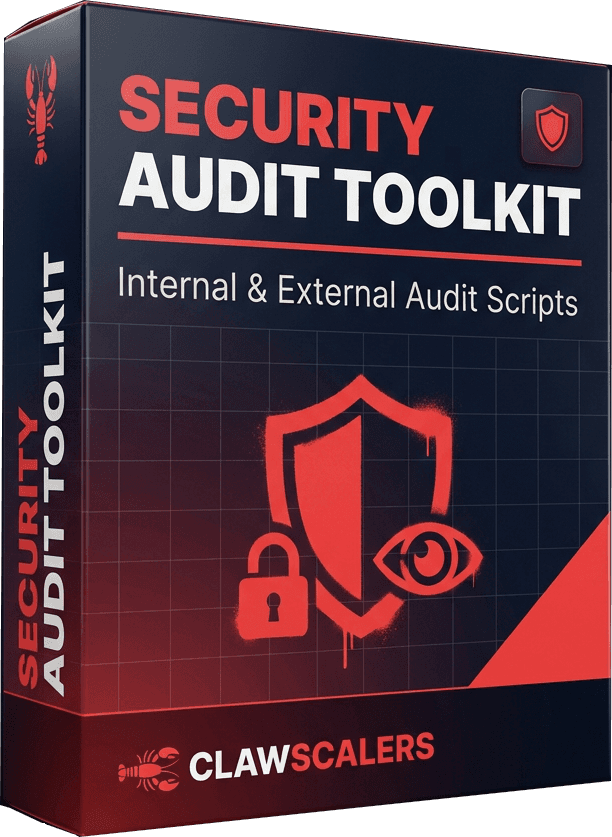
Security Audit Toolkit

Bonus 1

Security Audit Toolkit

$97 Free
  • Scans VPS for vulnerabilities & misconfigs
  • Simulates outside attacks to verify firewall
  • Enterprise-grade protection in 10 minutes
Included
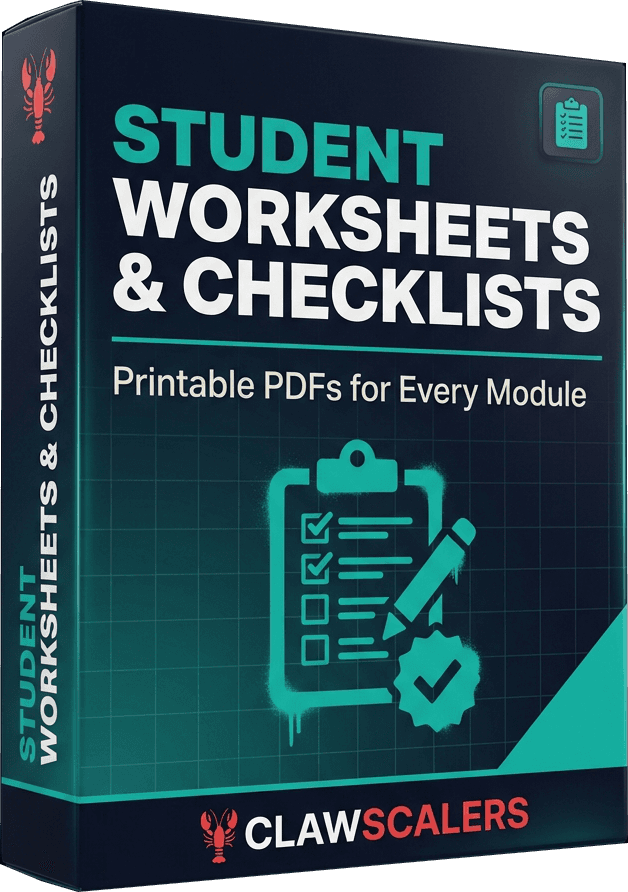
Worksheets & Checklists

Bonus 2

Worksheets & Checklists

$47 Free
  • Printable setup checklist
  • Post-setup verification
  • First week action plans by business type
Included
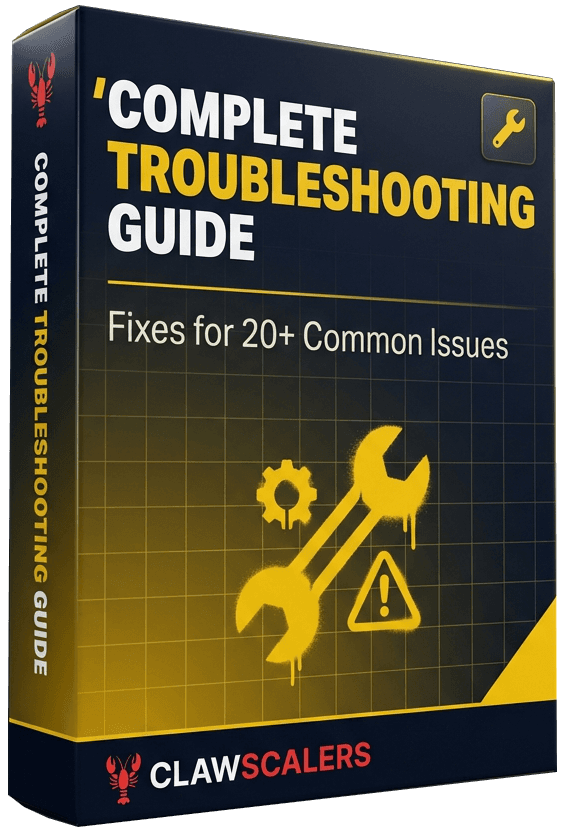
Troubleshooting Guide

Bonus 3

Troubleshooting Guide

$67 Free
  • "If X happens, do Y" format
  • Quick fixes for 20+ common problems
  • Copy-paste error solutions
Included
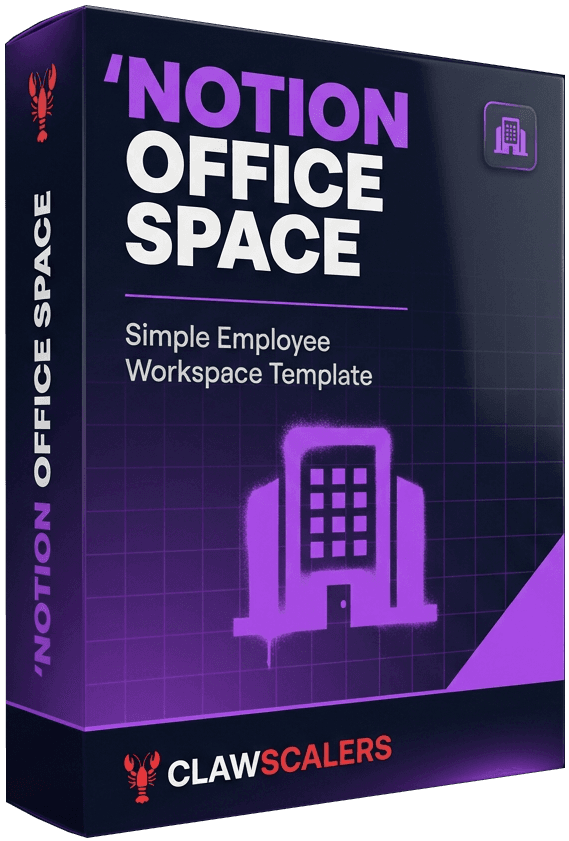
Notion Office Space

Bonus 4

Notion Office Space

$127 Free
  • Dashboard — central command center
  • Tasks & projects with priorities
  • Meeting notes & daily brief archive
Included
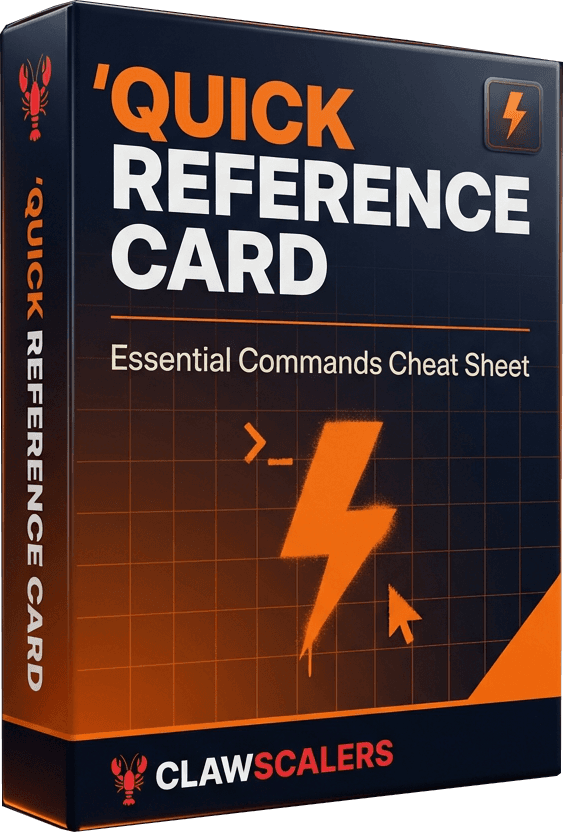
Quick Reference Card

Bonus 5

Quick Reference Card

$27 Free
  • Every essential command on one page
  • Daily Telegram/WhatsApp commands
  • Config files, logs & backup locations
Included
Expansion Guide

Bonus 6

Expansion Guide

$97 Free
  • Business-specific growth plans
  • Advanced workflow ideas
  • Scaling to multiple AI employees

Join 1,000+ business owners, solopreneurs & freelancers scaling with AI
Important Distinction

“Why Not Just Use a Done-For-You Service?”

Most AI services rent you access to something you'll never truly understand or control. We take a completely different approach.

Renting Someone Else's System

Your data lives on their servers
Locked into their platform forever
Prices go up whenever they want
Same cookie-cutter bot as everyone else
Zero understanding of how it works

Owning Your AI Employee

Your server, your data, yours forever
Customize every detail to fit your business
Understand the fundamentals inside and out
Update, improve, and scale it on your terms
A personal AI employee that's truly yours

The CLAWSCALERS AI Employee Activation System puts you in full control — you'll own it, understand it, and have the skills to make it work exactly the way your business needs.

What's The Operating Cost?

Your AI Employee Costs $1.43 Per Day

Virtual Private Server

Your employee's 24/7 office

$24

AI LLM Subscription

The brain

$19

OpenClaw Platform

The agent system

Free

Telegram/WhatsApp

Communication

Free

Gmail/Calendar/Notion

Tools

Free
TOTAL
$43/mo($1.43/day)

Virtual Assistant

$800-2,000/month

Full-time employee

$3,500-5,000+/month

Doing it yourself

20+ hours/week of your time

Break-even: Saves you 1 hour/month = pays for itself. Most save 10-20 hours/week.

Use Cases

Works For Any Business

Coaches

Outreach, proposals, onboarding

Creators

Repurpose, schedule, publish

Course Sellers

Newsletters, launches, support

SaaS & E-com

Emails, descriptions, follow-ups

No coding required. Simply copy and paste, then chat to your AI employee as you would a human via WhatsApp or Telegram.

Is This Right for You?

This is for you if:

You run a business and drown in admin
You’re willing to invest 2 hours to set up
You want leverage, not another tool

Not for you if:

You want zero-effort magic
You expect AI to replace all human input
You’d rather keep doing everything manually

This is for serious business owners who want leverage.

Zero Risk

30-Day “Get This Working” Guarantee

Set up your AI employee this weekend. Use it for 30 days. If you can't get it working — I'll refund every penny. You keep everything.

Get it responding to commands
Receive your Daily Brief every morning
See how this saves you 5+ hours/week

I use this exact system every single day. My AI employee handles my business while I'm with my family. The risk isn't on you.

Full refund, no questions asked.

FAQ

Common Questions

Your AI employee runs on an isolated VPS — separate from your personal computer. UFW firewall, fail2ban, and Tailscale encryption are all built in. It's actually more secure than running AI on your laptop.
Setup takes 2 hours, one time. After that, it saves you 10-20 hours every week. You're trading one Saturday morning for 40+ hours back every month.
A VA costs $800-2,000/month. This costs $43/month, works 24/7, never calls in sick, and remembers everything. If it saves you just one hour per month, it pays for itself.
We use Kimi K2.5 Moderato — $19/month for unlimited usage. No per-token pricing. No surprise bills. Fixed cost, predictable budgeting.
That's why this course exists. You get copy-paste commands and step-by-step video walkthroughs. If you can copy and paste, you can do this.
Module 5 gives you 3 essential workflows that save 5+ hours per week immediately, plus examples for coaches, creators, consultants, and agency owners.
OpenClaw has 200K GitHub stars and millions of active agents. This isn't experimental — it's proven. Plus: 30-day money-back guarantee.
ChatGPT is great for conversations. It doesn't send emails, check your calendar, create Notion tasks, or text you with updates. This is a different category of tool.
If you bill your time at $50/hour, and this saves 10 hours per week, that's $500/week in value. You're paying $43/month. It pays for itself in the first week.
The Window Is Closing

In 6 Months, Everyone Will Have One

Right now you have an early-adopter advantage. Managed services are launching every week. The window to get ahead is shrinking.

Do Nothing

Still the bottleneck

Still drowning in admin

Competitors automate past you

Take This Weekend

AI employee working by Monday

Content, outreach & admin handled

Finally execute on shelved ideas

One weekend. One decision. Everything changes.

Ready to Free Your Time and Scale Your Income?

Get everything you need to activate your first AI employee and start reclaiming your time today.

Here's Everything You're Getting:

  • 7 Step-by-Step Video Modules — from zero to a working AI employee
  • Security Audit Toolkit — enterprise-grade protection in 10 minutes
  • Worksheets & Checklists — printable setup and verification guides
  • Complete Troubleshooting Guide — fix 20+ common problems instantly
  • Notion Office Space — your AI's central command center
  • Quick Reference Card — every essential command on one page
  • Expansion Guide — scale to multiple AI employees
Save 20+ hrs/week
Scale your income
No coding needed
30-day guarantee

Early Bird Pricing Activated

Just $197

$67

One-Time

Plus $43/month operating costs (VPS + AI)

Join 1,000+ business owners, solopreneurs & freelancers scaling with AI
30-day guarantee Instant access 7 modules + 6 bonuses

Secure Checkout • Stripe • VISA • MasterCard • AMEX • PayPal • Apple Pay

P.S. — OpenClaw is free and open-source. You're not paying me for the software. You're paying me to save you weeks of frustration, avoid $600 surprise bills, and show you exactly how to use this to MAKE MONEY and GET YOUR TIME BACK. I've already made the mistakes so you don't have to.

P.P.S. — The 30-day guarantee means zero risk. Either this works and saves/makes you money, or you get refunded. Keep everything either way.

P.P.P.S. — I'm sitting in a café in the Caribbean right now while my AI employee handles my business. You could have this freedom too. This weekend. That's the choice.

P.P.P.P.S. — In 6 months, everyone will have this. You'll either be ahead of the curve or behind it. Which do you want?

Join 1,000+ business owners, solopreneurs & freelancers scaling with AI
$197 $67 one-time
Activate My AI Employee